 Made for iPhone Duo. Also on iPhone, iPad, Mac and Vision Pro
Unfold. Pour your colors into a mesh.
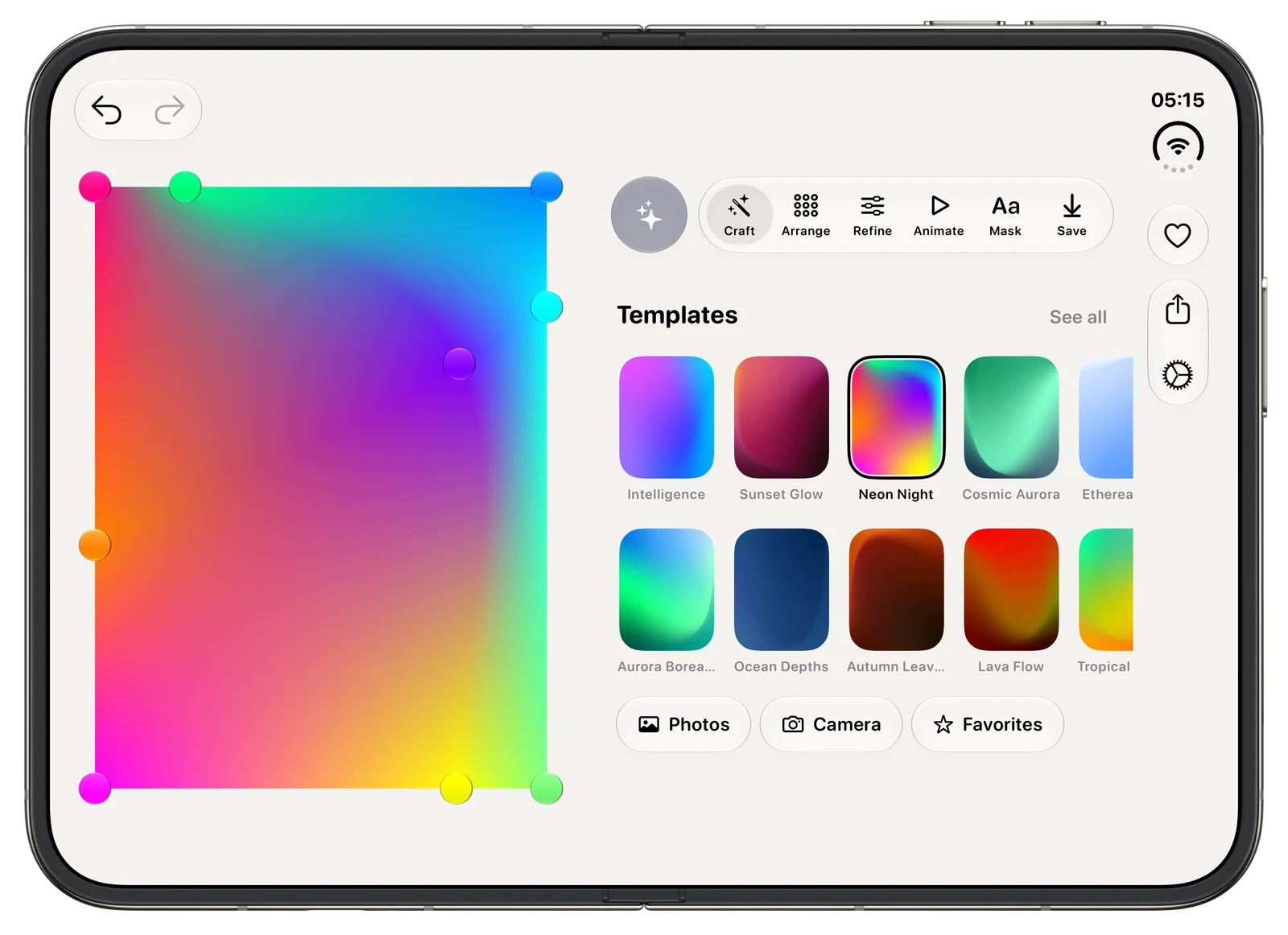
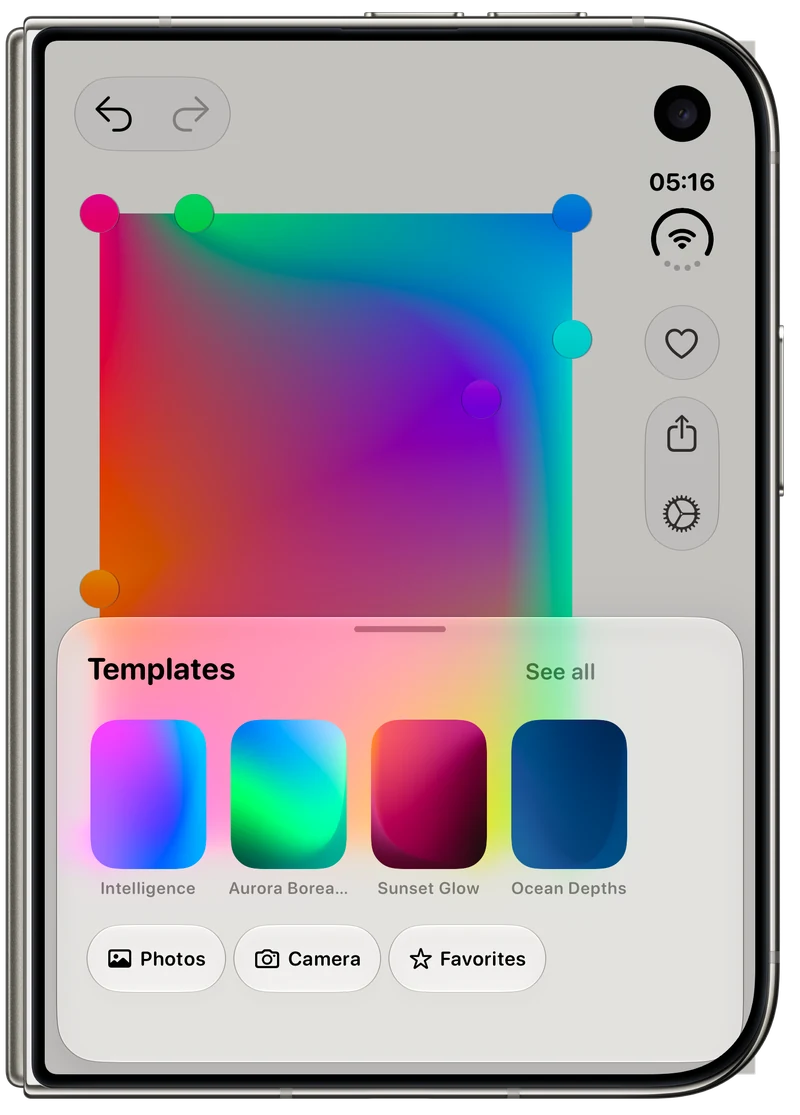
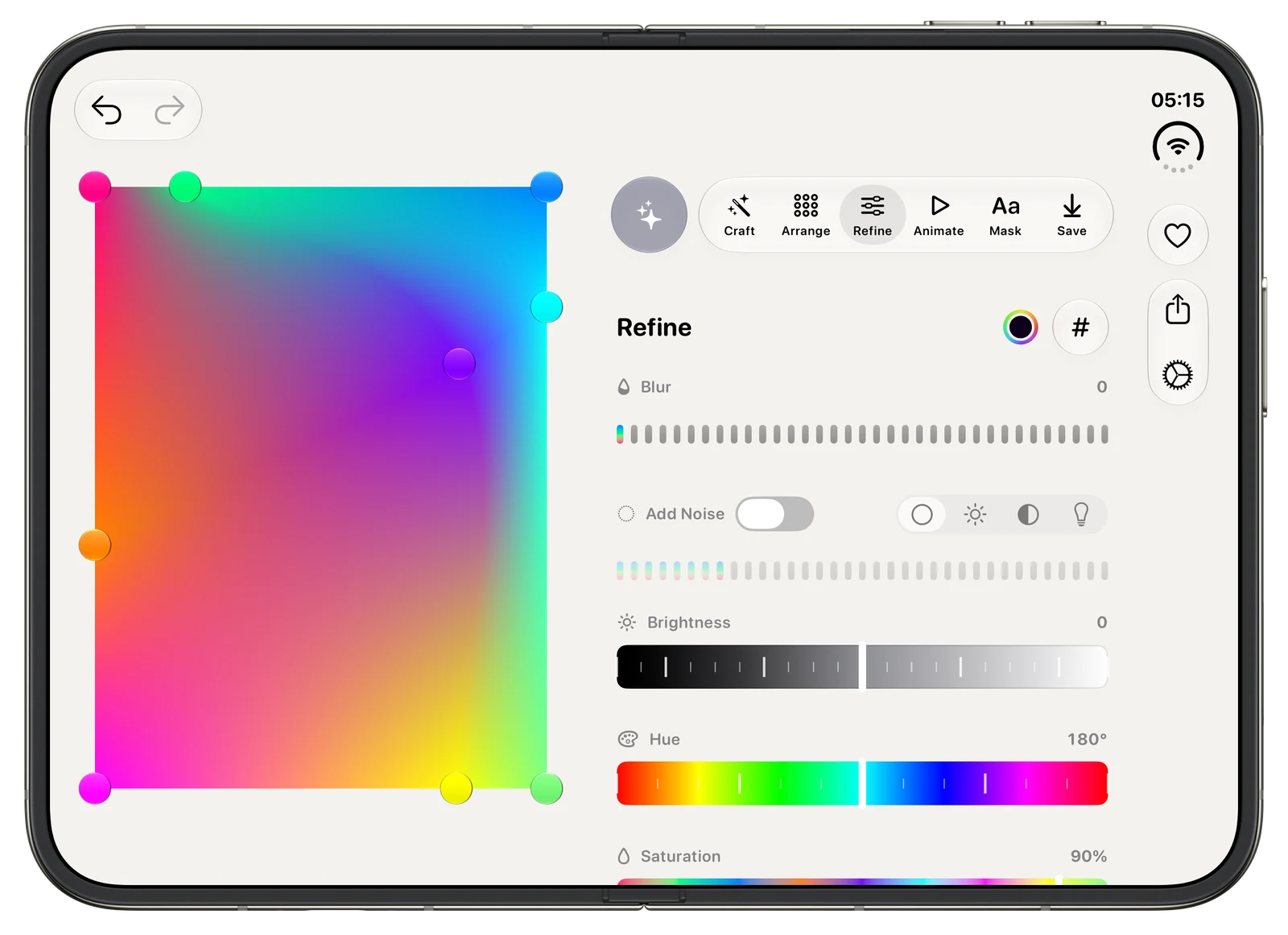
On iPhone Duo, your gradient fills one side while every tool sits on the other. Fold it shut and keep going.
Free to download. Meshing Pro unlocks everything.
Built for the fold
Two panes. Zero hiding.
Drag mesh points on one side and watch blur, brightness, hue and saturation respond on the other. Fold it shut and your tools slide up from below, right where you left off.
Every way to make a gradient.
Describe it, sculpt it, pull it from a photo, set it in motion.
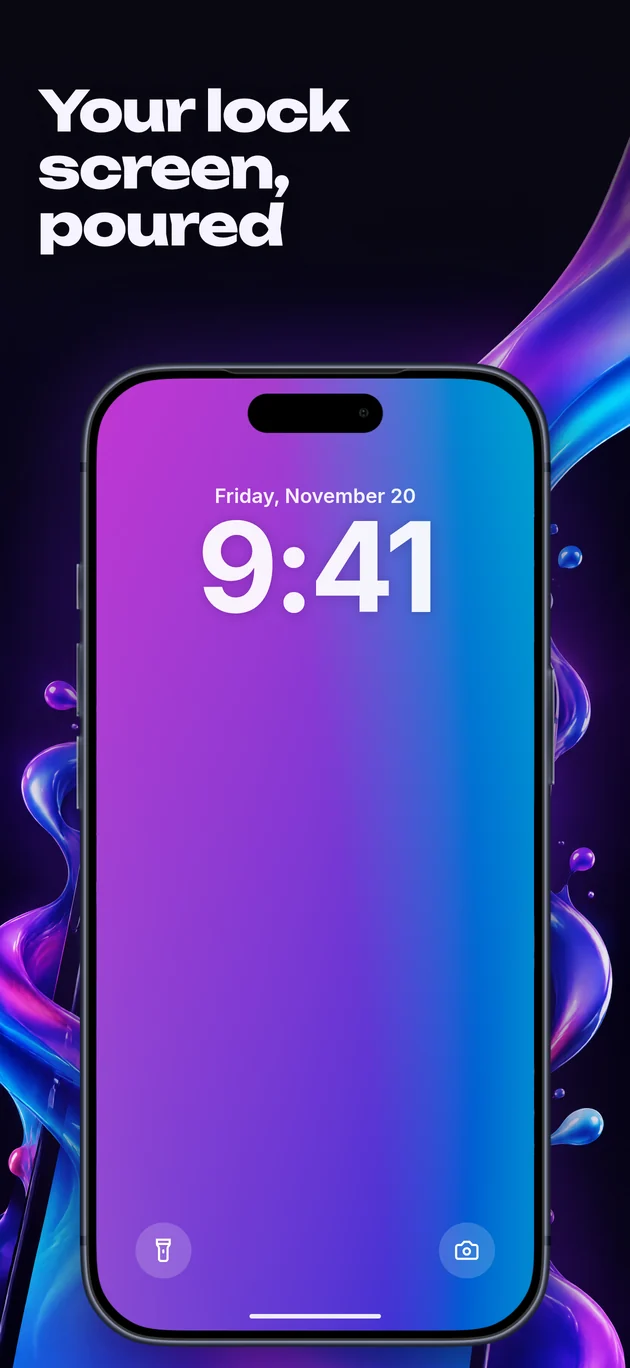
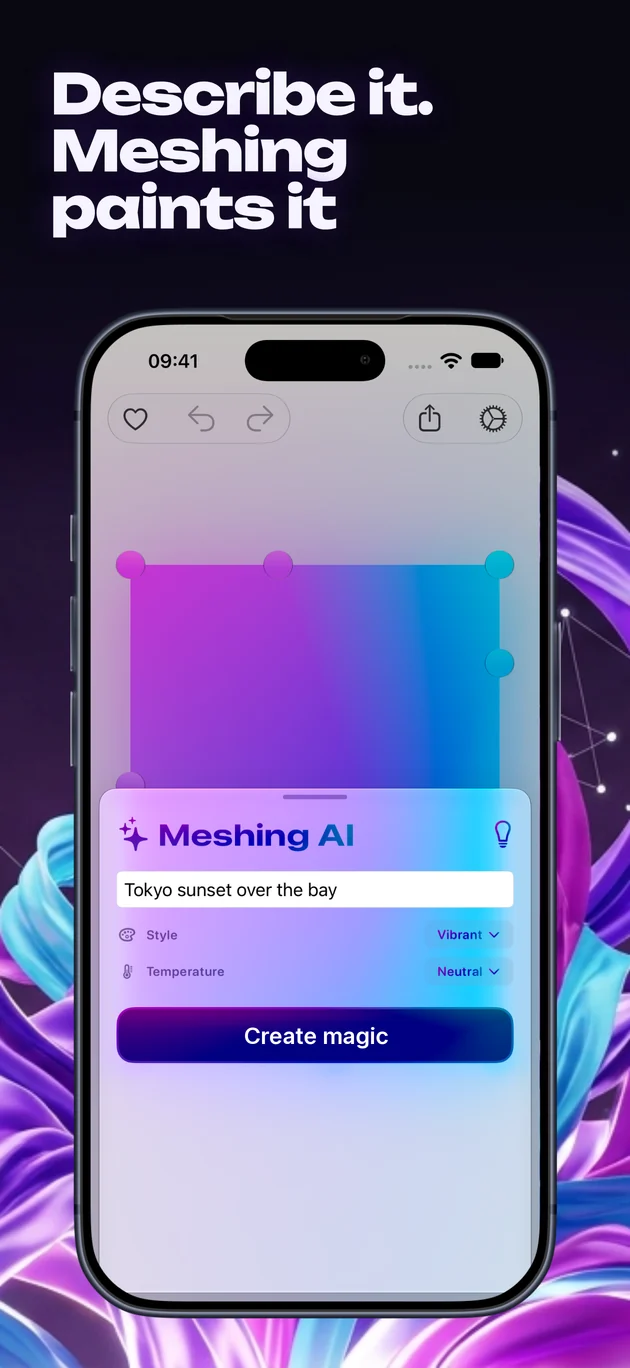
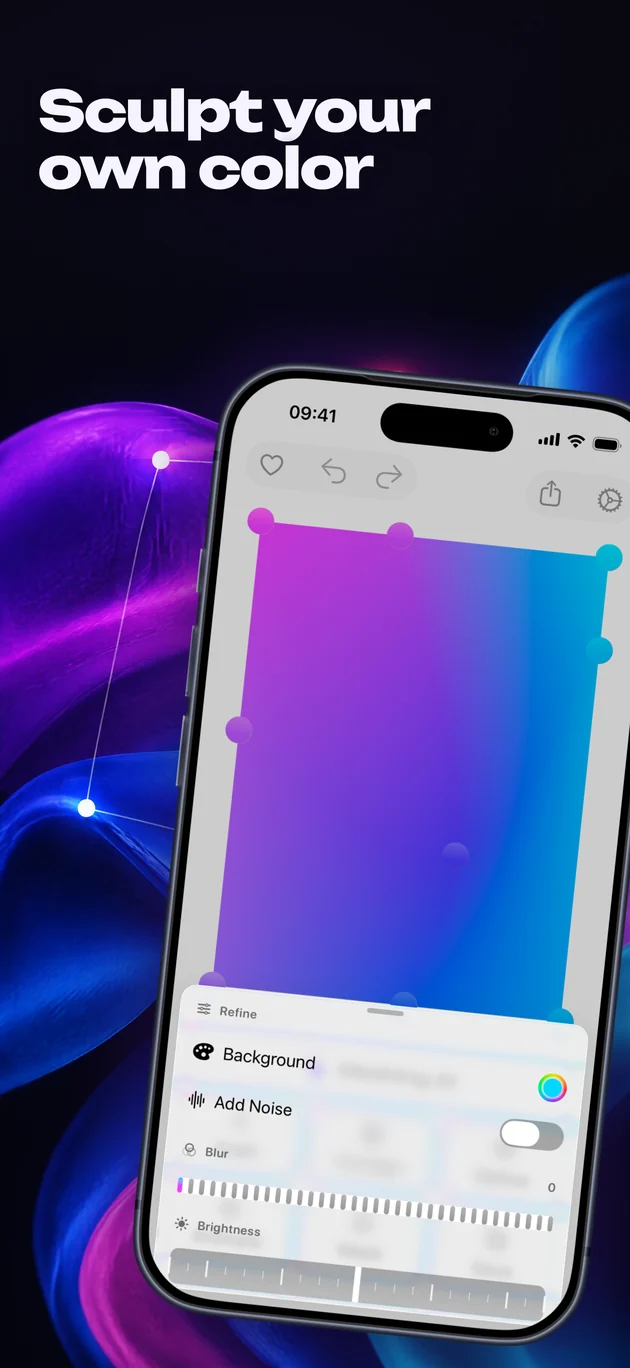
Meshing AI
Type a mood like “Tokyo sunset over the bay” and get a gradient that matches.
Sculpt by hand
Drag every point of the mesh and pick each colour until it feels right.
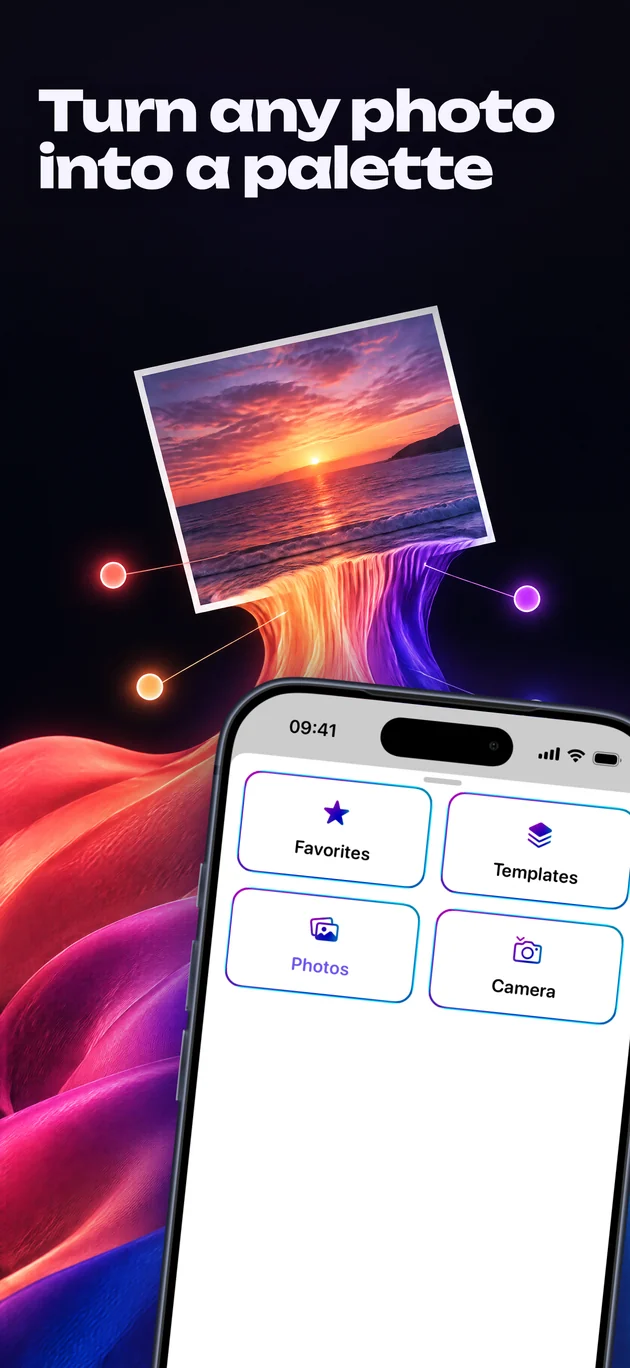
From a photo
Pull a palette from any picture or straight from the camera.
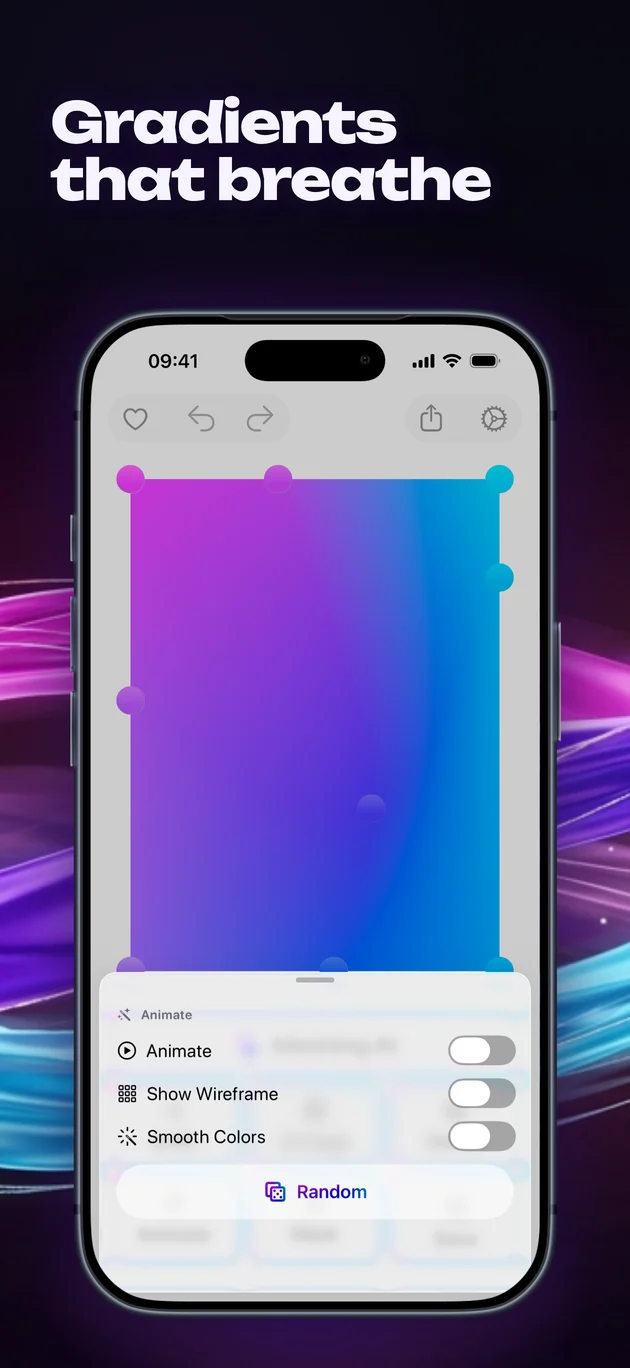
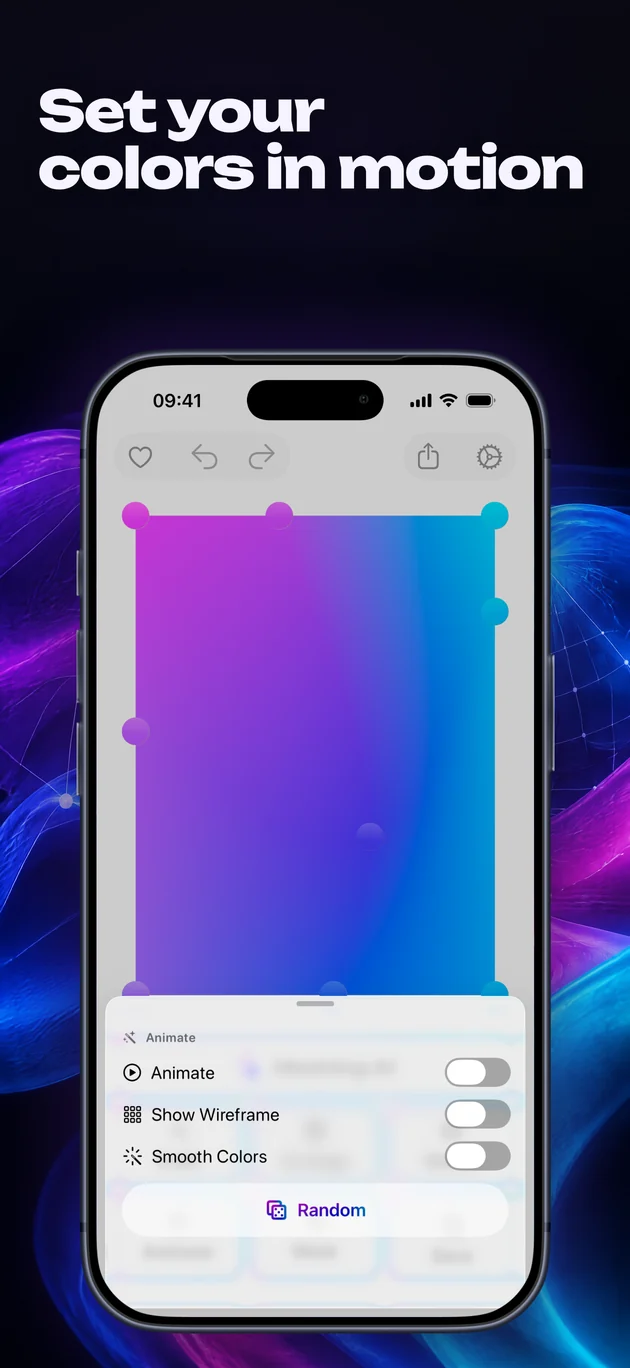
Animate
Let colours drift and breathe, then save the motion as a video.
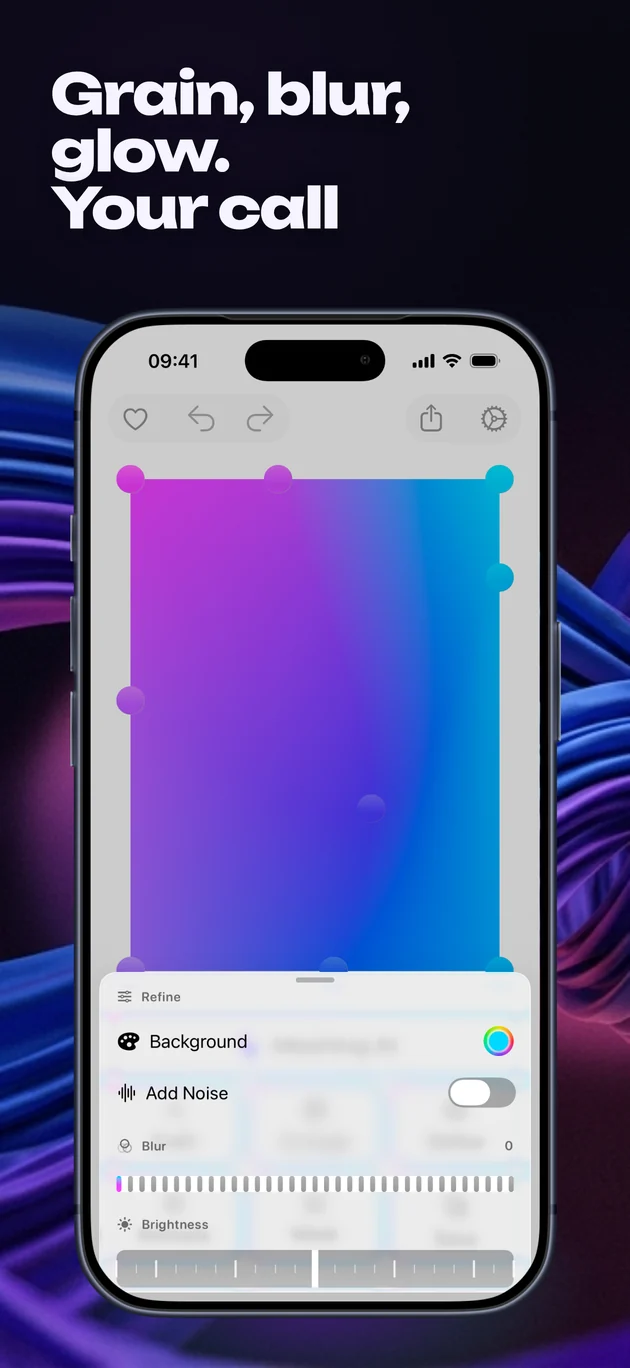
Grain, blur, glow
Add noise, soften edges and tune brightness for a finished look.
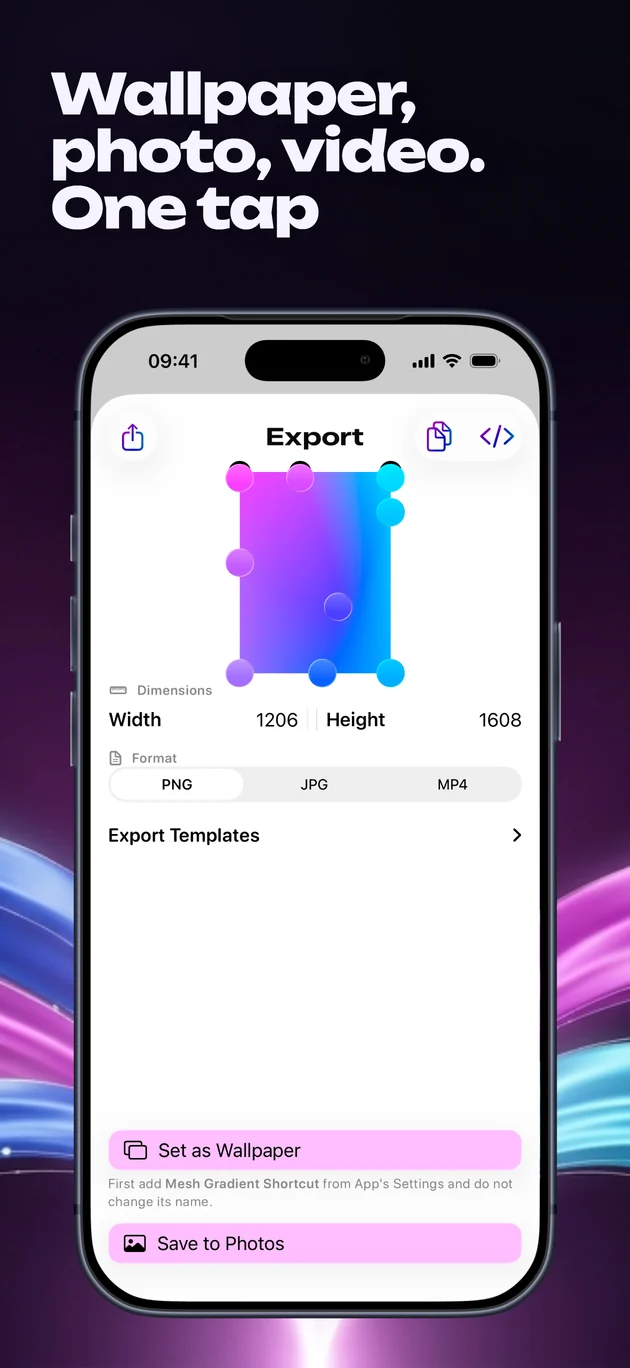
Export anywhere
PNG, JPG or MP4 at any size, set as wallpaper, or copy the code.